You have big dreams, but keeping them front and center in your busy life can feel like a challenge. A digital vision board puts your goals right where you’ll see them every day, whether that’s your phone’s lock screen or your computer’s desktop. This article walks you through a simple, step-by-step method for creating one using Canva, plus tips for making it truly effective.
You’ll learn how to choose a cohesive design, add meaningful images and words, and set it up so it becomes a natural part of your daily routine.
Key Takeaways
- Define your goals clearly before picking images or words.
- Use a neutral color scheme for a cohesive, calming board.
- Leave a small margin from edges to avoid cropping on your phone.
- Review and update your board monthly or quarterly.
- Look at your board daily to reinforce your intentions.
What Is a Digital Vision Board?
A digital vision board is a visual collage of images, words, and affirmations that represent your goals and aspirations, built using online tools or apps. It works as a dynamic, accessible motivator you can integrate into your daily digital life, such as setting it as your phone wallpaper or desktop background. The concept is rooted in the idea that visualizing your goals helps clarify your desires and keeps them top of mind, supporting their manifestation.
Tools You’ll Need to Create Your Board
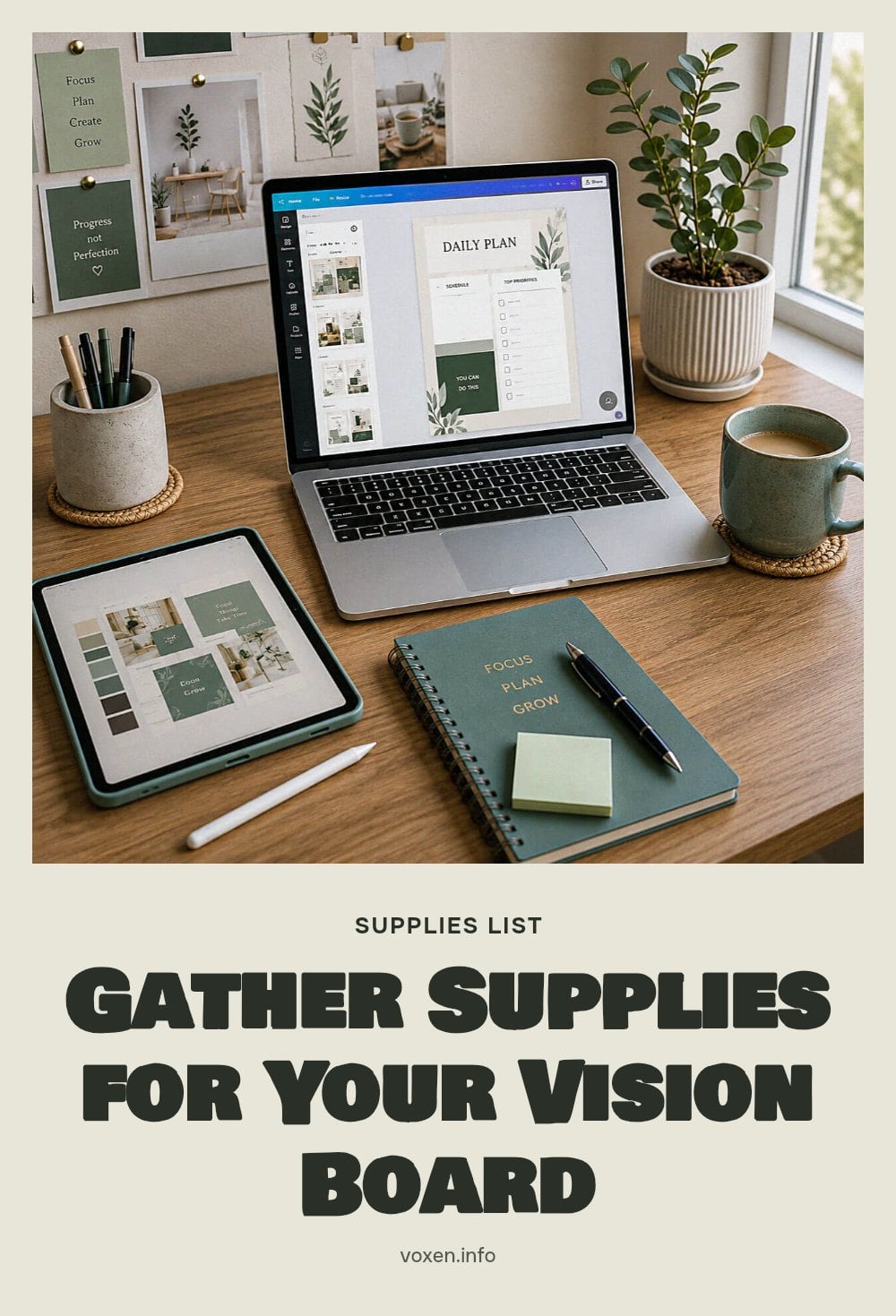
You only need a few free tools to get started:
- Computer or smartphone: For designing and displaying your board.
- Internet access: To use design tools and search for images.
- Canva or similar software: A free, user-friendly platform for creating your board.
- Online image libraries: Unsplash, Pexels, or Pinterest offer high-quality, inspiring visuals.
- Google Images: Useful for finding specific pictures or calendar elements.
Why Create a Digital Vision Board?
A digital vision board helps you clarify and concentrate on your life goals by providing a constant visual reminder. It supports the principle of the law of attraction, suggesting that consistent visualization aids in manifesting desired outcomes. The process of creating the board itself is a powerful exercise in self-reflection and goal setting, prompting you to define what truly matters.
Digital boards offer flexibility, allowing for easy updates and integration into daily digital routines, ensuring you see your goals frequently. Whether you set it as your phone lock screen or desktop background, regular exposure keeps your aspirations top of mind and supports goal-oriented behavior.
Step-by-Step: Creating Your Digital Vision Board in Canva
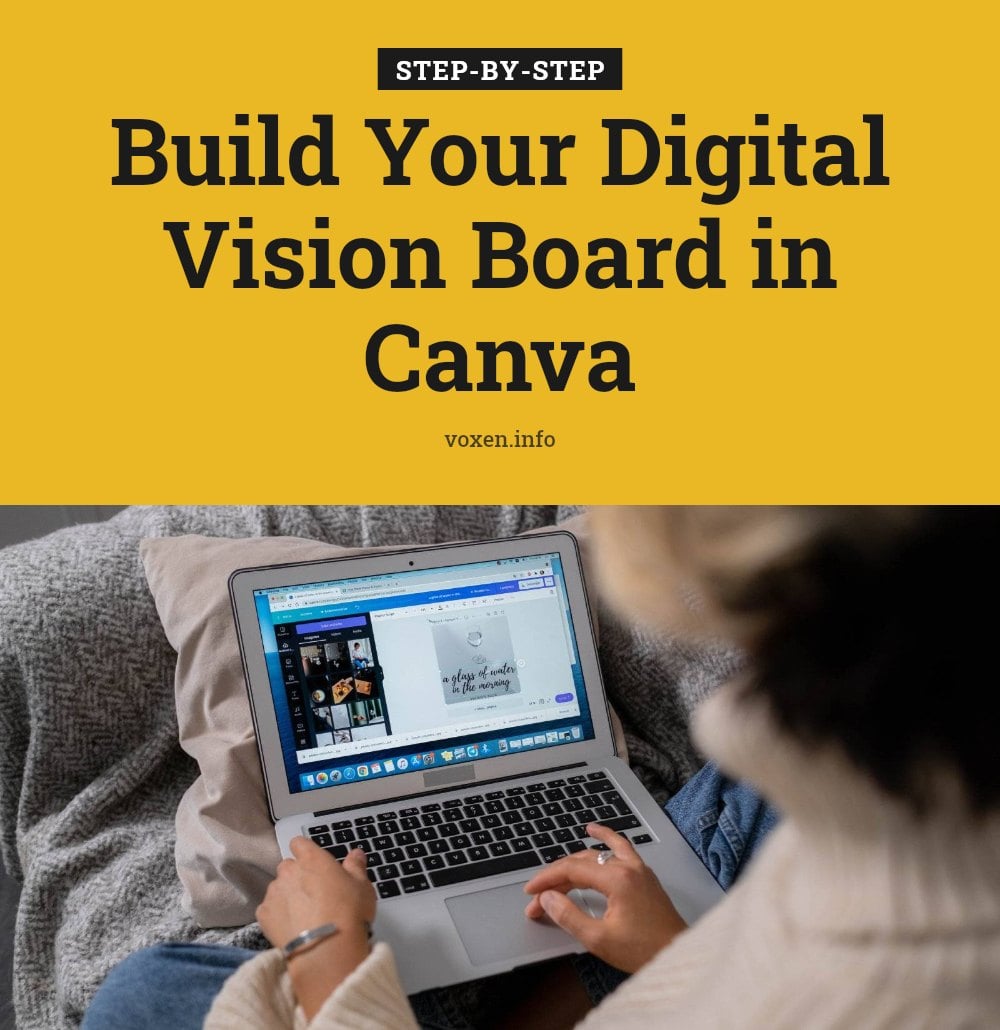
Follow these steps to create your digital vision board in Canva:
- Choose a background: Search for a neutral phone wallpaper, like beige, and remove any existing elements for a blank canvas.
- Add photo frames: Go to ‘Elements’ and search for ‘blank photo’ under ‘Graphics’. Duplicate it 10 times or more for your images.
- Arrange frames: Position them on your canvas, resizing as needed. Keep them from overlapping and leave a small margin from the edges to avoid cropping on your phone screen.
- Insert images: Find goal-related pictures from Canva’s library, Google Images, or free stock sites like Pexels. Drag them into the frames and adjust the size.
- Add a quote: Select a meaningful quote that resonates with your personal goals and add it to your board.
- Maintain color scheme: Keep a consistent palette, like neutral whites, blacks, and beiges, for a cohesive look.
- Connect with a grid: Search for a grid element under ‘Graphics’, stretch it over all photos, right-click, and send it to the back.
- Add tape graphics: Search for ‘tape’ under ‘Elements’, add it to some photos for a physical collage feel, and duplicate as desired.
- Overlay keywords: Choose a cursive font from ‘Text’, type goal words like ‘travel’, set the color to match your palette (e.g., black), and remove effects by setting the effect color to the same. Duplicate for other photos.
- Include the year: Add the current year using a bold font like ‘Glow’, and change the color to match your palette.
- Label it: Add ‘Vision Board’ using a decorative font like ‘Sparkle’, and set the color to match your palette (e.g., white).
- Add a calendar: Search for a current year calendar on Google, upload it to Canva, and remove any duplicate year text.
- Download: Save your completed board as a PNG file.
- Set as wallpaper: Send the image to your phone and set it as your wallpaper or lock screen for daily motivation.
My tip: Leave a small margin from the edges when placing photos to prevent them from being cut off on your phone screen. Matching your color scheme creates a cohesive, aesthetically pleasing board you’ll enjoy seeing every day.
If you learn better by watching, this 11-minute video from Journey With The Hintons shows every step. The how-to part starts at 1:10.
Expert Tips for an Effective Digital Vision Board
Define Your Goals Clearly: Before you open Canva, spend time reflecting on what you actually want across different life areas: career, relationships, health, personal growth. Write down specific goals so your board reflects your unique vision, not generic wishes.
Choose Emotion-Evoking Images: Pick high-quality photos that genuinely inspire you and trigger strong positive feelings. A picture of a specific destination you want to visit will motivate you more than a generic beach scene.
Maintain Cohesion: Stick to a consistent color scheme and aesthetic. A neutral palette of white, black, and beige, for example, makes the board visually pleasing and easier to look at every day.
Place It Strategically: Set your finished board as your phone wallpaper, lock screen, or desktop background. Seeing it multiple times a day reinforces your goals without extra effort.
Review and Update Regularly: Goals change. Schedule a monthly or quarterly check-in to swap out images, update text, and add new aspirations as you achieve old ones.
Common Digital Vision Board Mistakes to Avoid
Making It Too Generic: Avoid vague images or text like a random dollar sign for wealth. Your board should represent your personal goals, not a generic idea of success. Be specific.
Overcrowding the Board: Too many images or overlapping text creates visual clutter and makes it hard to focus on any single goal. Leave breathing room between elements and avoid overlaps.
Ignoring It After Creation: A vision board is a motivational tool, not a magic solution. The biggest mistake is making it and then forgetting about it. Set it as your wallpaper so you see it daily.
Using Low-Quality Images: Blurry or pixelated photos reduce the board’s impact and can feel uninspiring. Always use high-resolution visuals that excite you.
Focusing Only on Material Possessions: It’s fine to include a dream car or house, but balance it with images representing personal growth, relationships, health, and experiences for a holistic vision.
Time Commitment and Cost for Your Vision Board
Creation Time: The initial build takes anywhere from 30 minutes to a few hours, depending on how much time you spend reflecting on your goals and searching for the perfect images.
Review Frequency: Plan to review your board monthly or quarterly. This keeps it aligned with your evolving goals and ensures you stay focused on what matters now.
Cost: Creating a digital vision board with Canva and free stock photo sites like Unsplash or Pexels costs nothing. Premium elements or paid subscriptions are optional and not needed for an effective board.
Maintaining and Evolving Your Digital Vision Board
Regular Engagement: The most important aftercare is daily interaction. Make a habit of looking at your vision board every morning or evening, visualizing your goals and affirming your desires.
Reflect and Realign: Set a recurring reminder to check in with your board monthly, quarterly, or annually. Ask yourself if your goals still feel right or if they need adjusting.
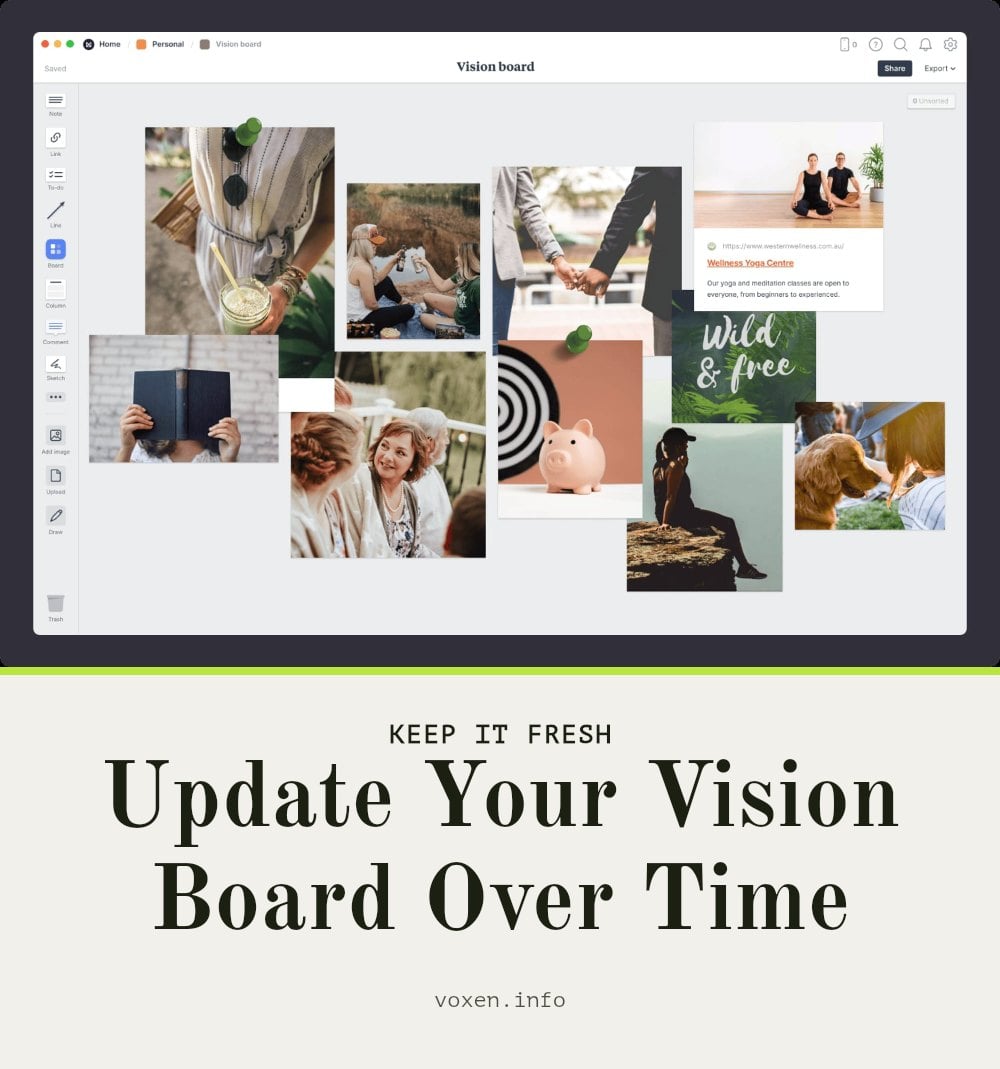
Update as Needed: As you achieve goals or new aspirations emerge, open Canva and swap out images, change text, or add new elements. This keeps your board fresh and relevant throughout the year.
Celebrate Milestones: When you accomplish a goal on your board, take a moment to celebrate. Then replace that image with a new aspiration or a photo of your success to keep the momentum going.
Frequently Asked Questions
What is a vision board, and how is a digital one different?
A vision board is a visual collage of images, words, and affirmations that represent your goals. A digital version uses online tools like Canva, so you can easily update it, set it as your wallpaper, and carry it with you on your phone or computer. It offers more flexibility than a physical board.
How often should I look at my digital vision board?
Daily interaction is recommended to keep your goals top of mind. Make it a habit to view your board each morning or evening, visualizing your goals and affirming your desires. This regular engagement helps reinforce your intentions and keeps you motivated.
Can I use other apps besides Canva for a digital vision board?
Yes, absolutely. Canva is a popular free option, but you can also use other design tools like PicMonkey or Photoshop Express. The key is to choose a platform that lets you combine images, text, and graphics easily and export a high-quality file for your wallpaper.
How do I choose the right images for my vision board?
Choose images that evoke strong positive emotions and genuinely represent your specific goals, not generic ideas. Use high-quality photos from free libraries like Unsplash or Pexels, and match them to a consistent color scheme for a cohesive look. Avoid images that don’t resonate personally.
What if my goals change after I create my board?
That’s completely normal. Your vision board should evolve with you. Set a reminder to review it monthly or quarterly, and update images, words, or even the entire layout to reflect your current aspirations. This keeps the board relevant and meaningful.
Final Thoughts
My tip: start with one clear goal for each life area, then build your board around those specific intentions. Expect the creation process to take anywhere from 30 minutes to a few hours, and plan to revisit it monthly or quarterly as your goals evolve. The real power comes from daily engagement, so set your board as your wallpaper and let it work as a quiet motivator. Keep it personal, keep it simple, and let it inspire you to take action.